| Previous
Page |
PCLinuxOS
Magazine |
PCLinuxOS |
Article List |
Disclaimer |
Next Page |
Tip Top Tips: How To Use Joe's Own Editor (JOE) |
|
Editor’s Note: Tip Top Tips is a semi-monthly column in The PCLinuxOS Magazine. Periodically, we will feature – and possibly even expand upon – one tip from the PCLinuxOS forum. The magazine will not accept independent tip submissions specifically intended for inclusion in the Tip Top Tips column. Rather, if you have a tip, share it in the PCLinuxOS forum’s “Tips & Tricks” section. Occasionally, we may run a “tip” posted elsewhere in the PCLinuxOS forum. Either way, share your tip in the forum, and it just may be selected for publication in The PCLinuxOS Magazine.
This month’s tip was shared by hunter0one. 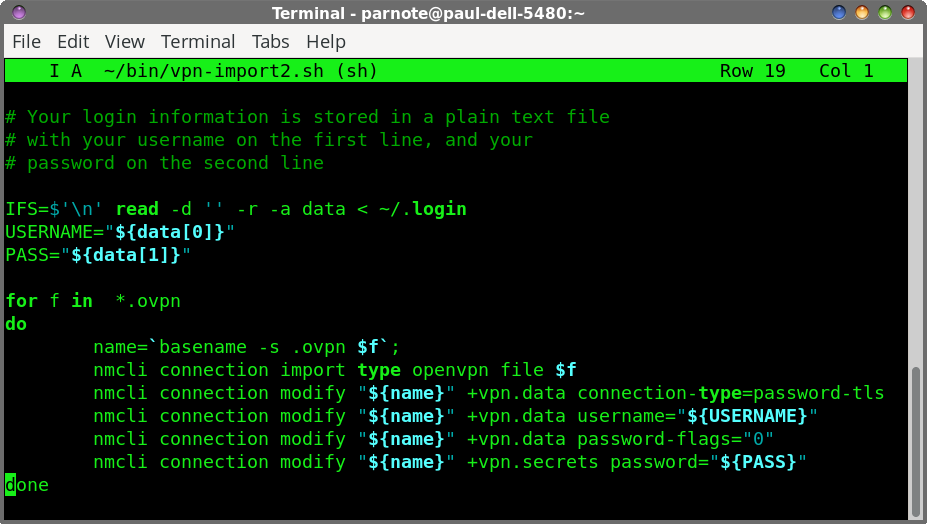 Joe's Own Editor is an old-as-dirt text editor that I (hunter0one) learned since I didn't like nano. It is similar to WordStar or Emacs. You can get it on PCLinuxOS by installing the joe package. Run it from the CLI using joe, or you can find it in your application launcher along with the other keybinding modes like Emacs and WordStar emulation. I only use and will focus on the original (Ctrl + K centered) mode. From now on, I will use ^ in place of Ctrl, so Ctrl + K will be abbreviated ^K. 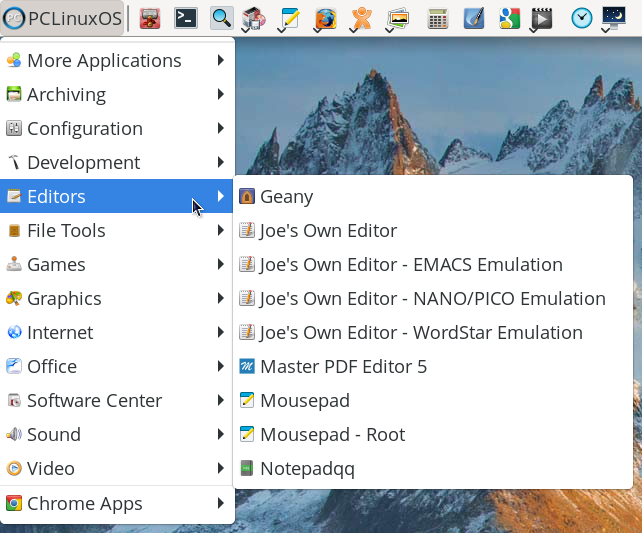 JOE is a modeless editor so you can move around with the arrow keys. ^E will get you to the end of a line, and ^A will get you to the beginning. Now is a good time to mention a lot of keys use combos where you press ^K and then another key. For example, you can go to the top of a document with ^K U, and ^K V to go to the bottom. 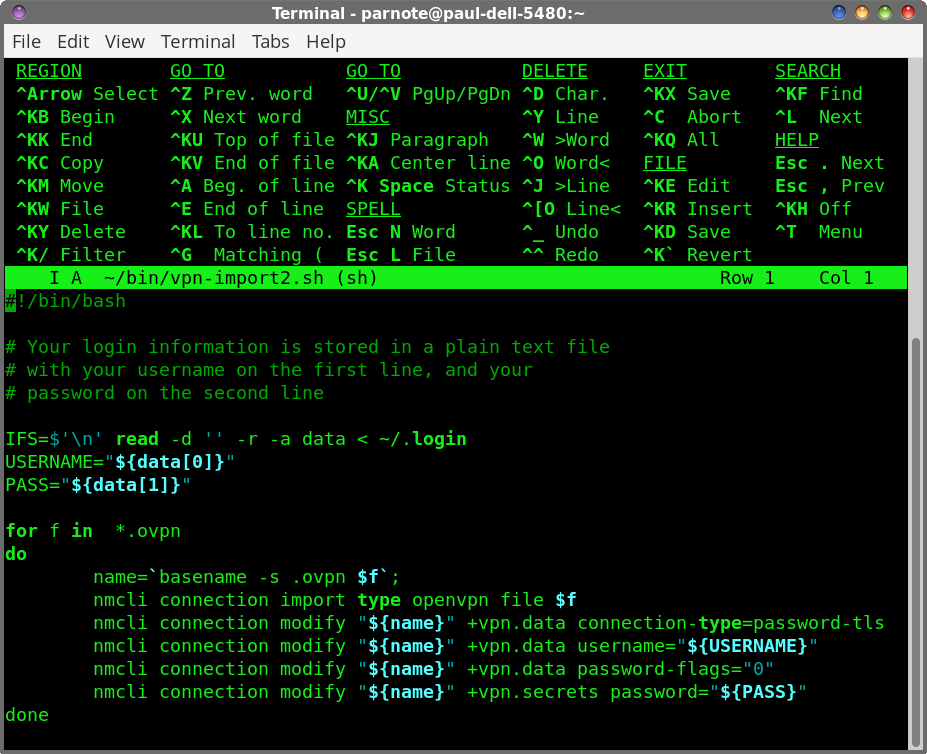 Joe with a script loaded and the help menu displayed
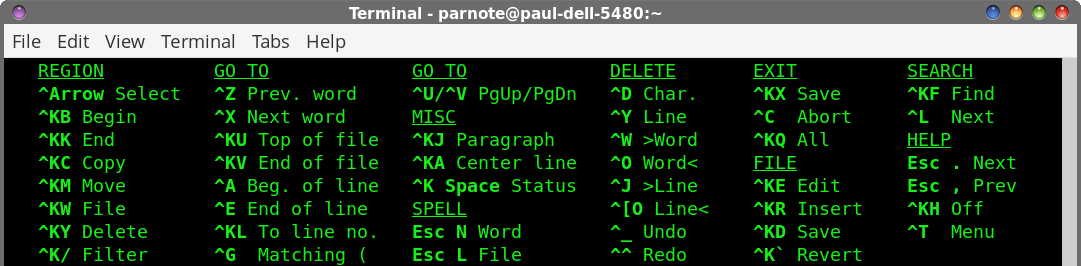 Just Joe’s help menu By default, there is a help menu to guide you. You can go to the next page of the help menu with Esc + . or to go back Esc + ,. You can toggle the help menu with ^K H. If you want to delete an entire line, you would do ^Y, or from the start of the cursor, ^J. To select a block, you could do ^K B to start your selection, then ^K K for the end point. You can then do a number of things with the selected text. You can use ^K M to move it someplace else (effectively cut and paste), or ^K C to copy it. If you do ^T, a new menu will pop up at the bottom of the editor which you can navigate. This lets you modify things like word wrap or the color scheme. Yes, JOE has color schemes like Vim or Neovim. You can press ^C to get out of that menu. In fact, every action can be cancelled with ^C. You can search for or replace text with ^K F. To exit JOE, you can do ^K Q. To save a file, press ^K S. If you notice any annoying DEADJOE files lying around, you can get rid of these by editing /etc/joe/joerc and removing one space before -nodeadjoe so that it's not green. You can actually tweak a lot of its behavior here, including having a backup path and custom keybindings, though you may want to back this file up or copy it to your home folder as ~/.joerc before you do that. Editor’s Note: The C source code for Joe is hosted on SourceForge. On the project page on SourceForge, there’s a brief history of Joe, along with a full user manual. The current version of Joe is 4.6, which is the version in the PCLinuxOS repository. And, hunter0one is correct. Joe is older-than-dirt (in software terms). It appears to have been around since around 1988, with distant roots going back to 1984. |